Prompt a loop. Shape it while it plays.
The DAWN desktop app starts a song from a sentence. A short loop plays, and it keeps playing while you move notes, add a second section and chain the two.
Start with a sentence.
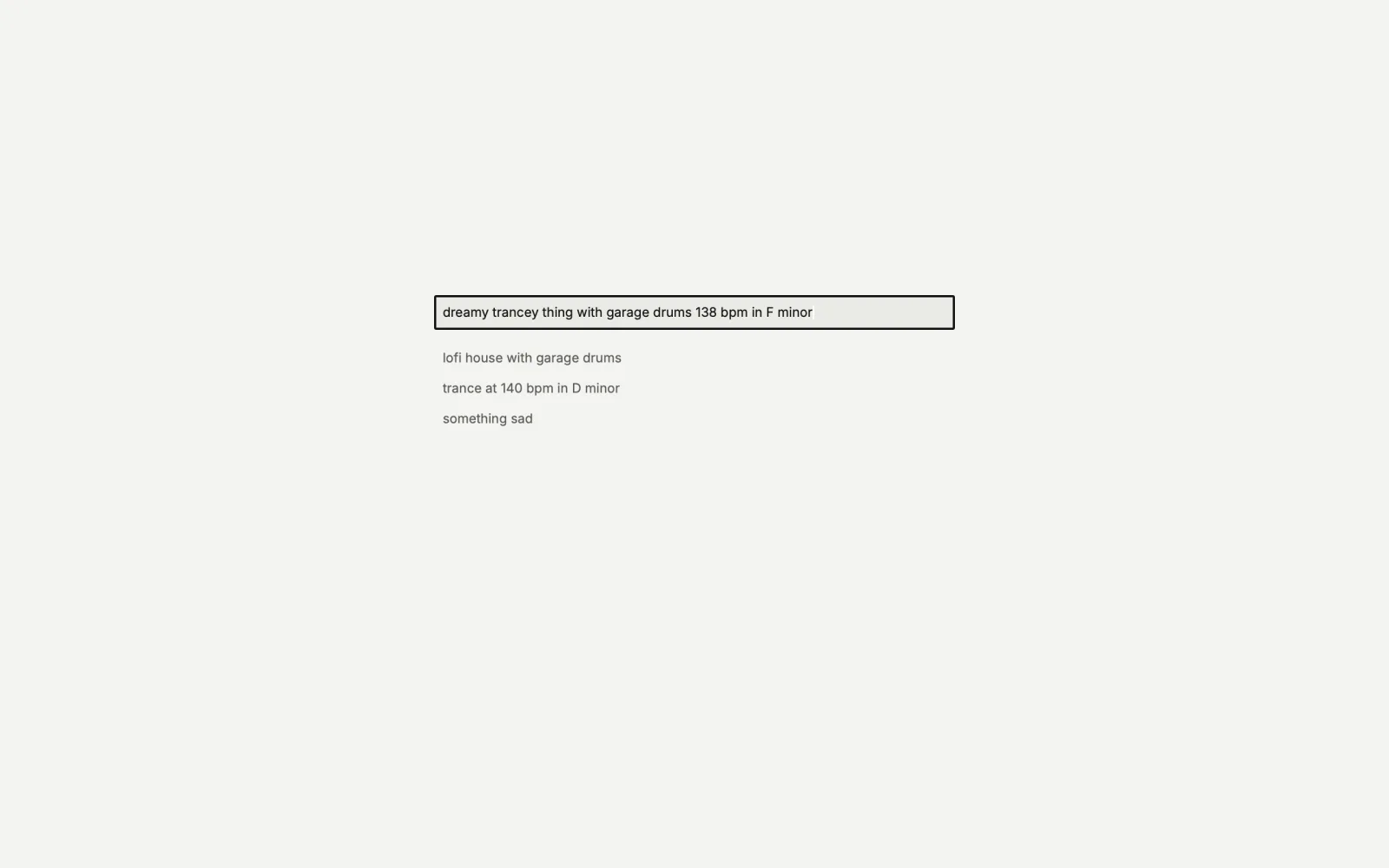
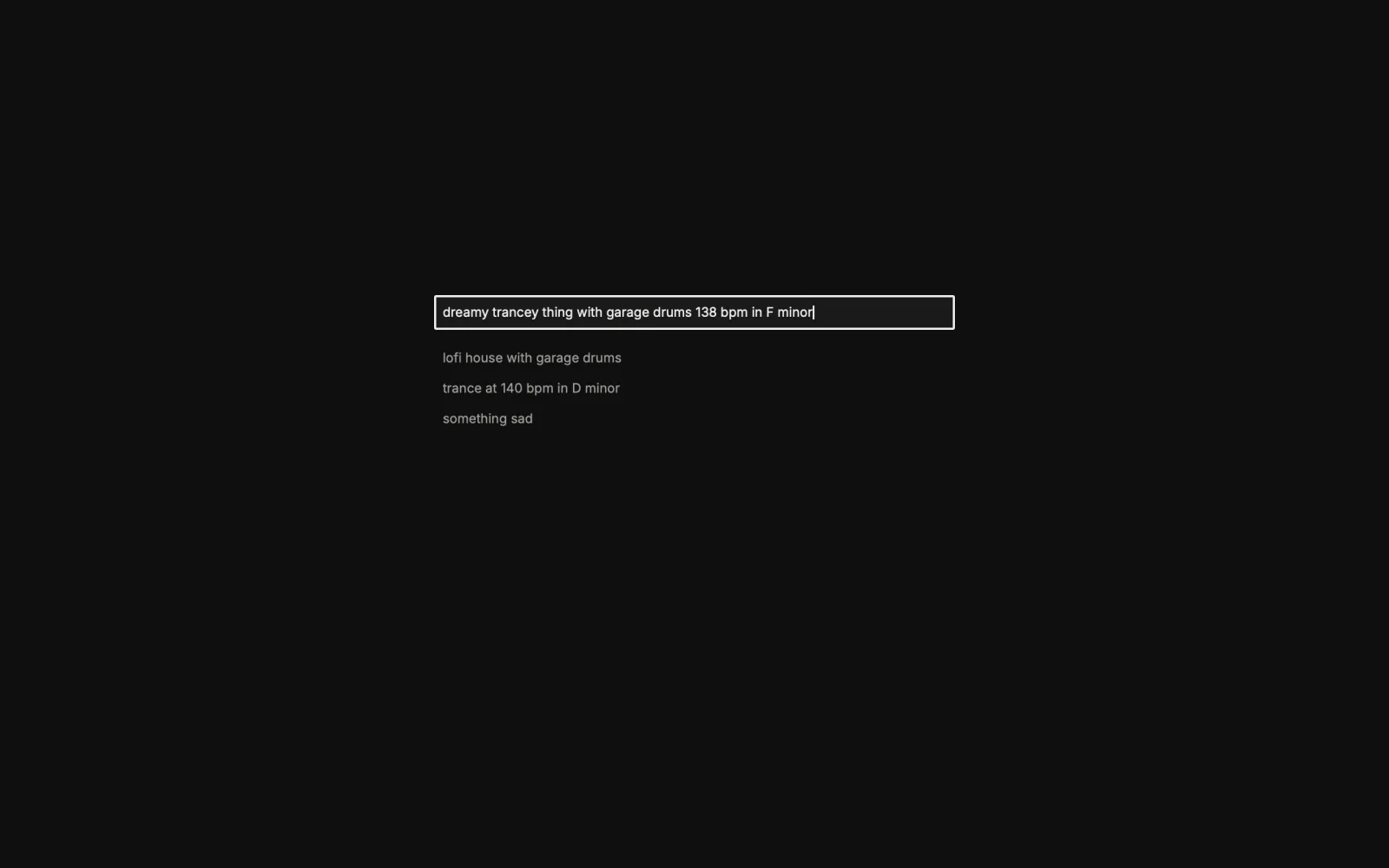
A new project is one prompt box. Return makes a project folder in your Music folder and runs dawn loop there. Style words pick the style, and a tempo or a key in the prompt is kept as written.
The loop arrives a track at a time.
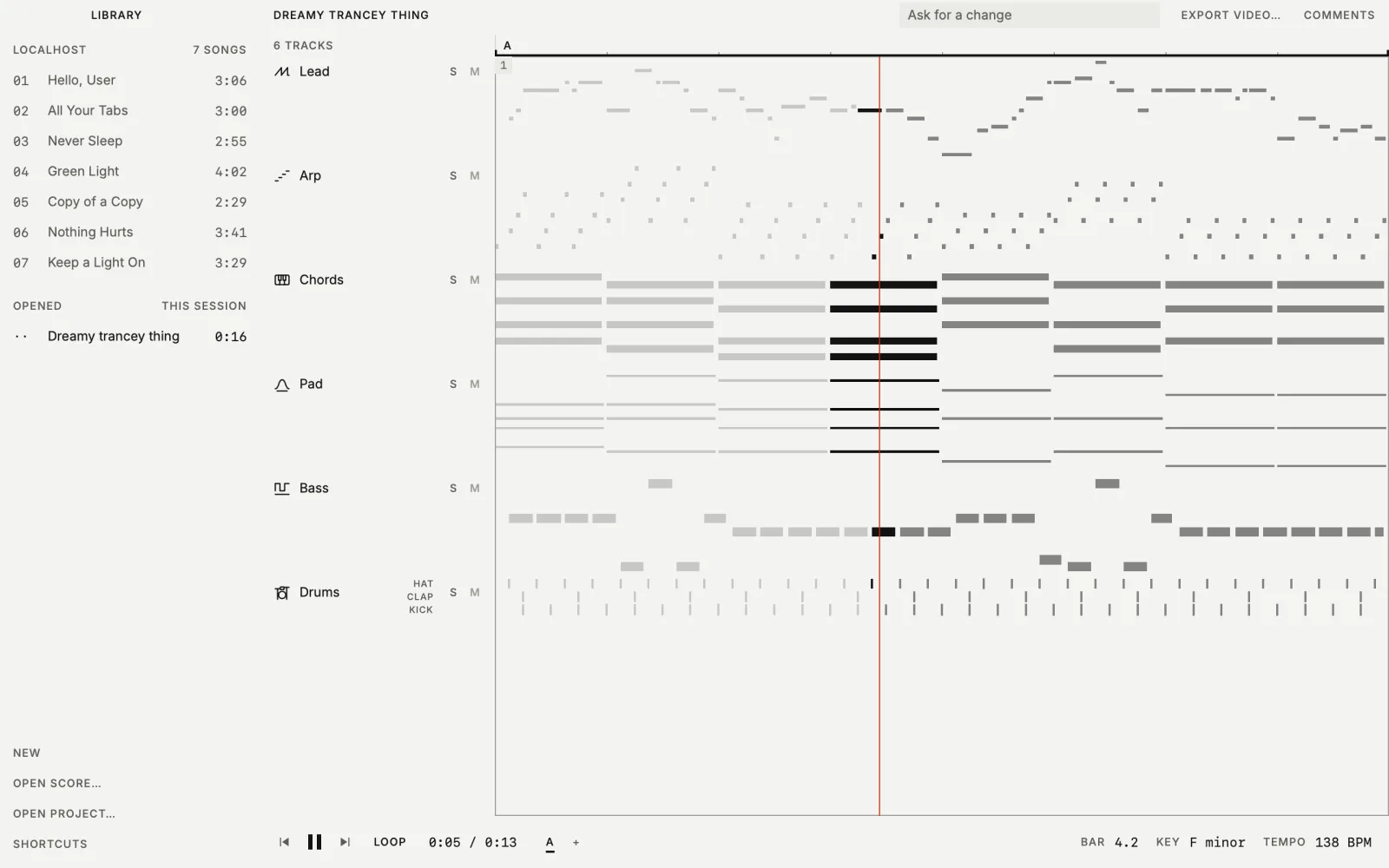
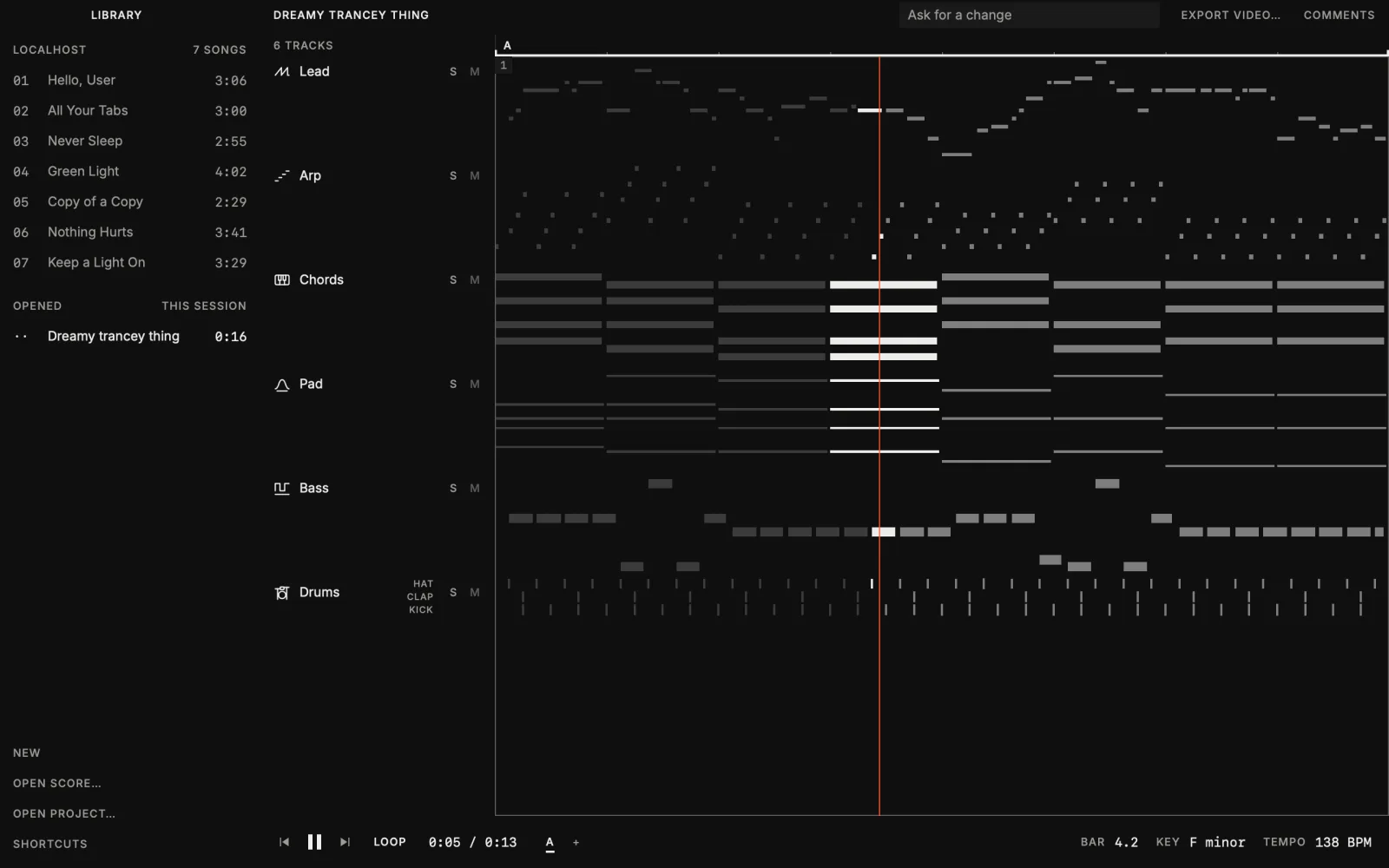
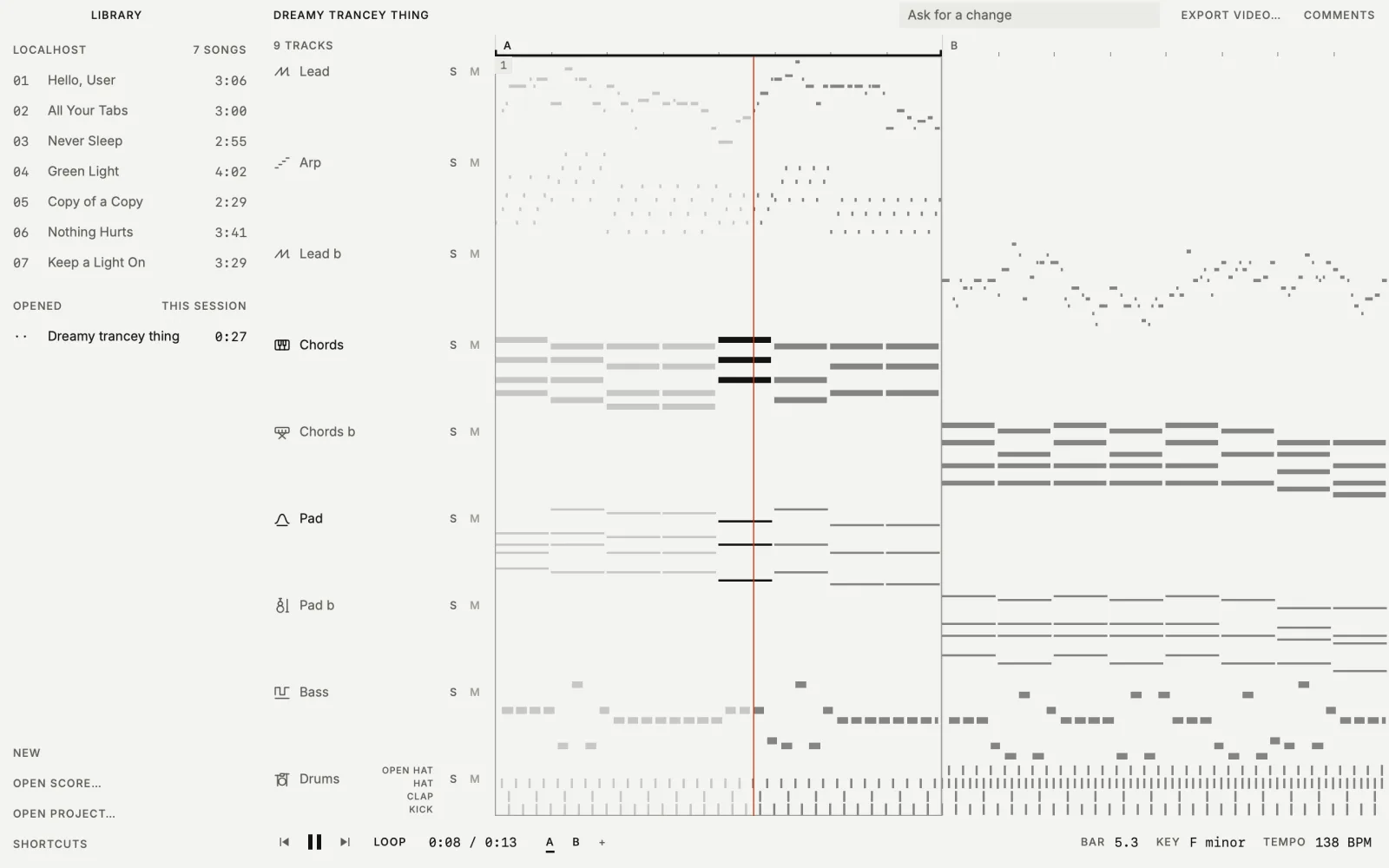
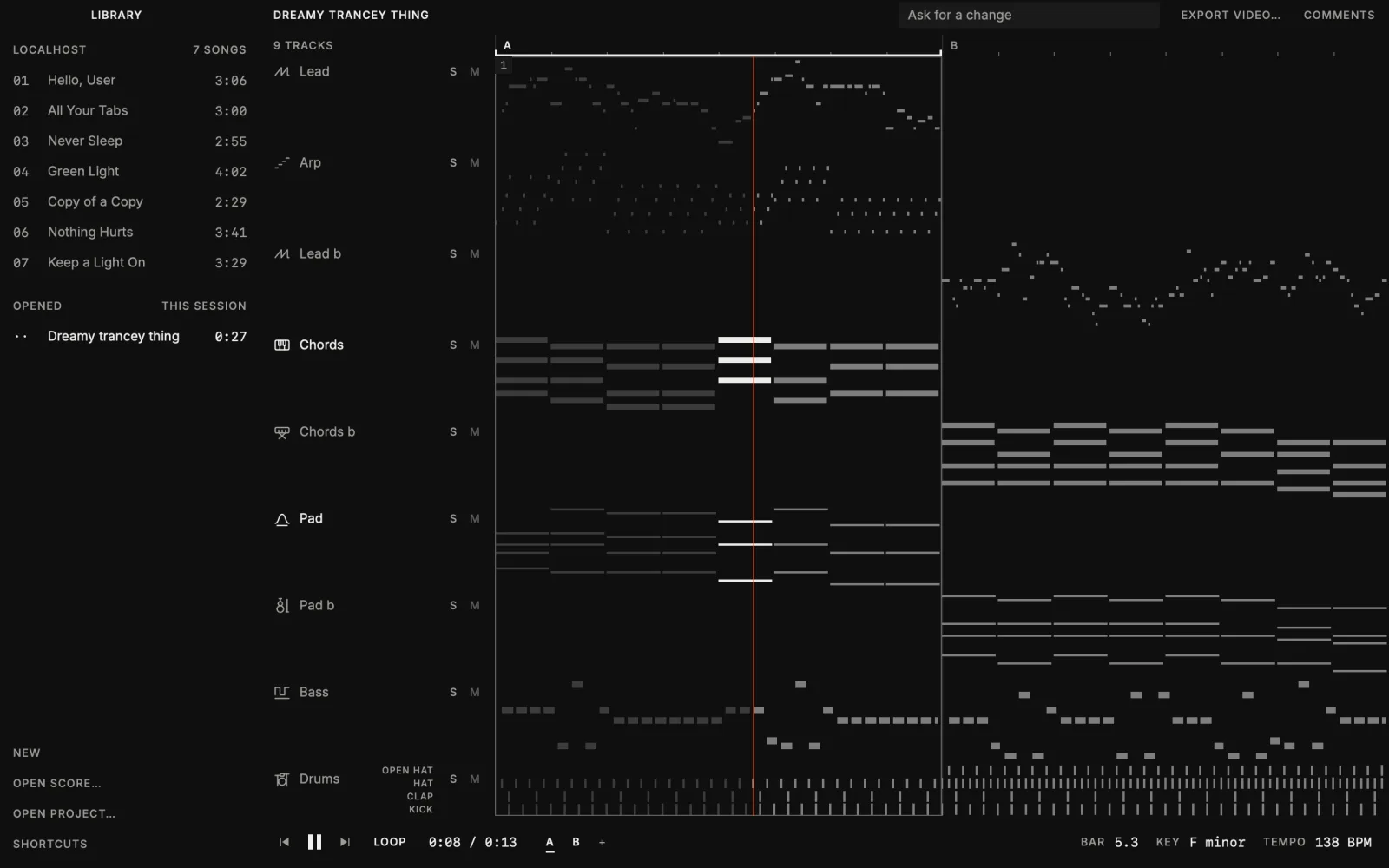
The loop starts on its first track, and the others join on bar lines as they are written. After Return the title row says what the prompt chose. Every row has a solo key and a mute key, and a click on a selected track’s name renames it.
Move a note while it plays.
Open a track’s notes over its lane, pick a note and move it with the arrow keys or by dragging. The app writes the move to the track’s file, only that track is rendered again, and the new audio comes in on a bar line. ⌘Z takes it back.
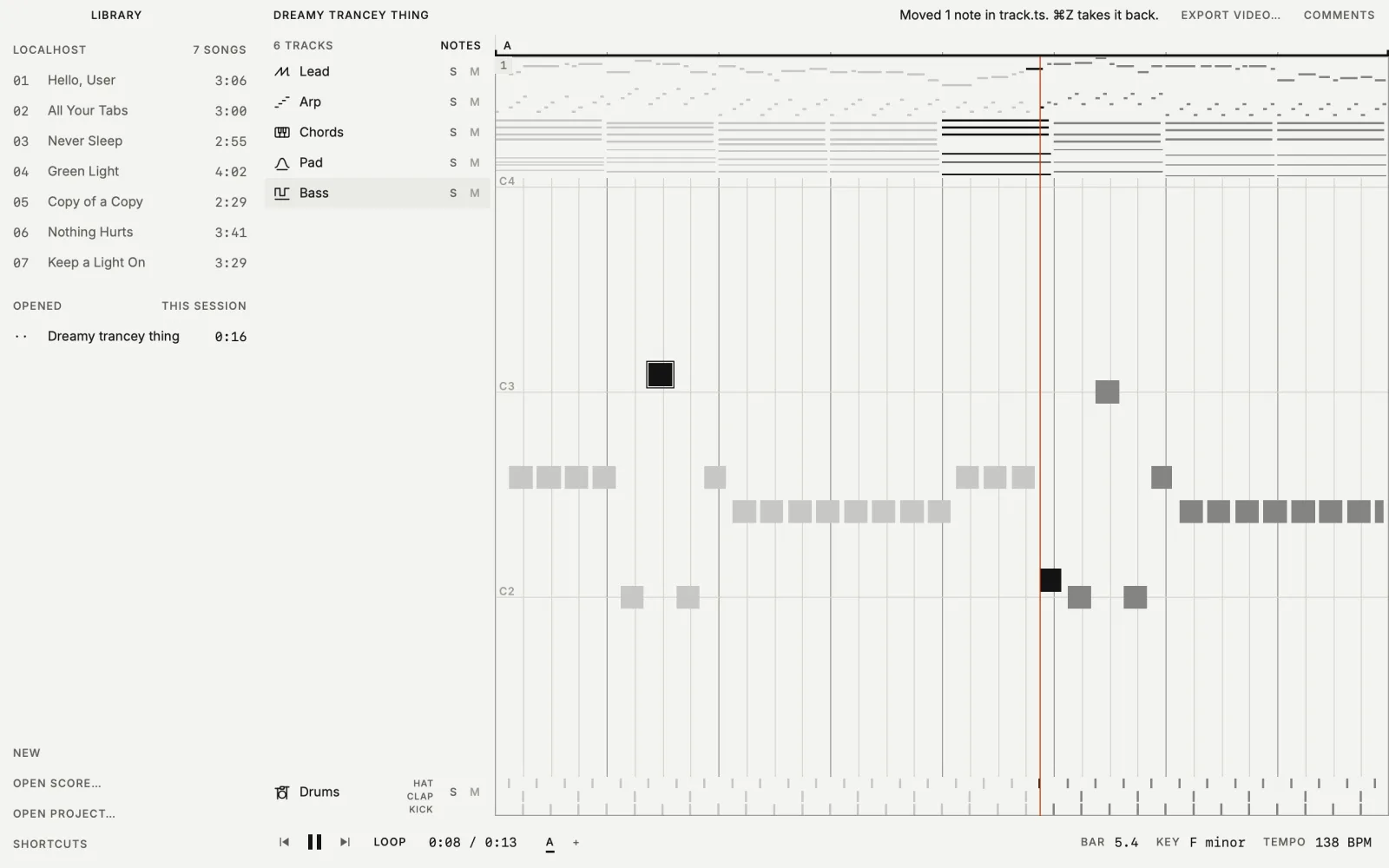
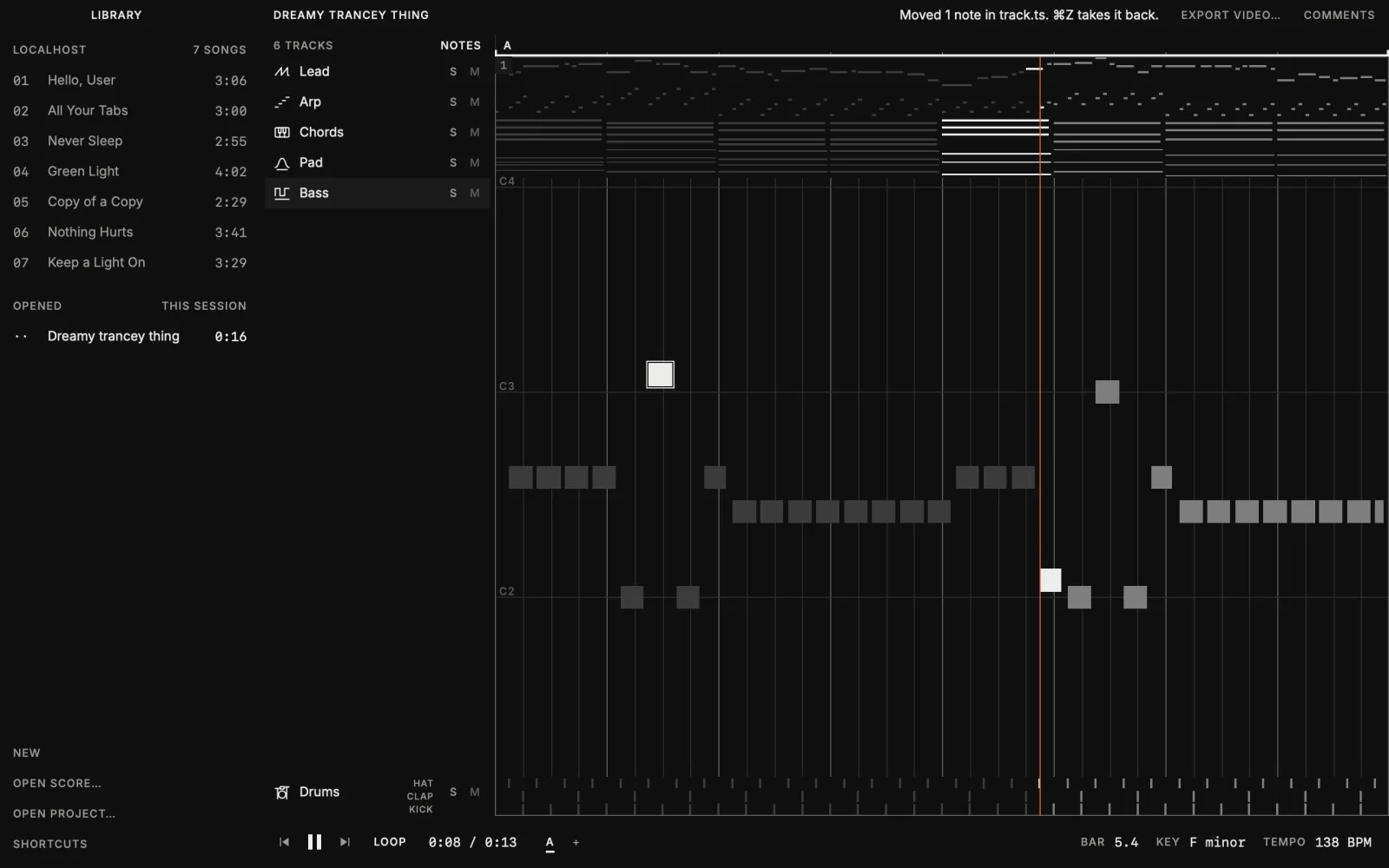
Measured on an 8-bar loop: after a one-track edit the new audio was ready 0.61 s after the save at the median.
Prompt a second section, then chain them.
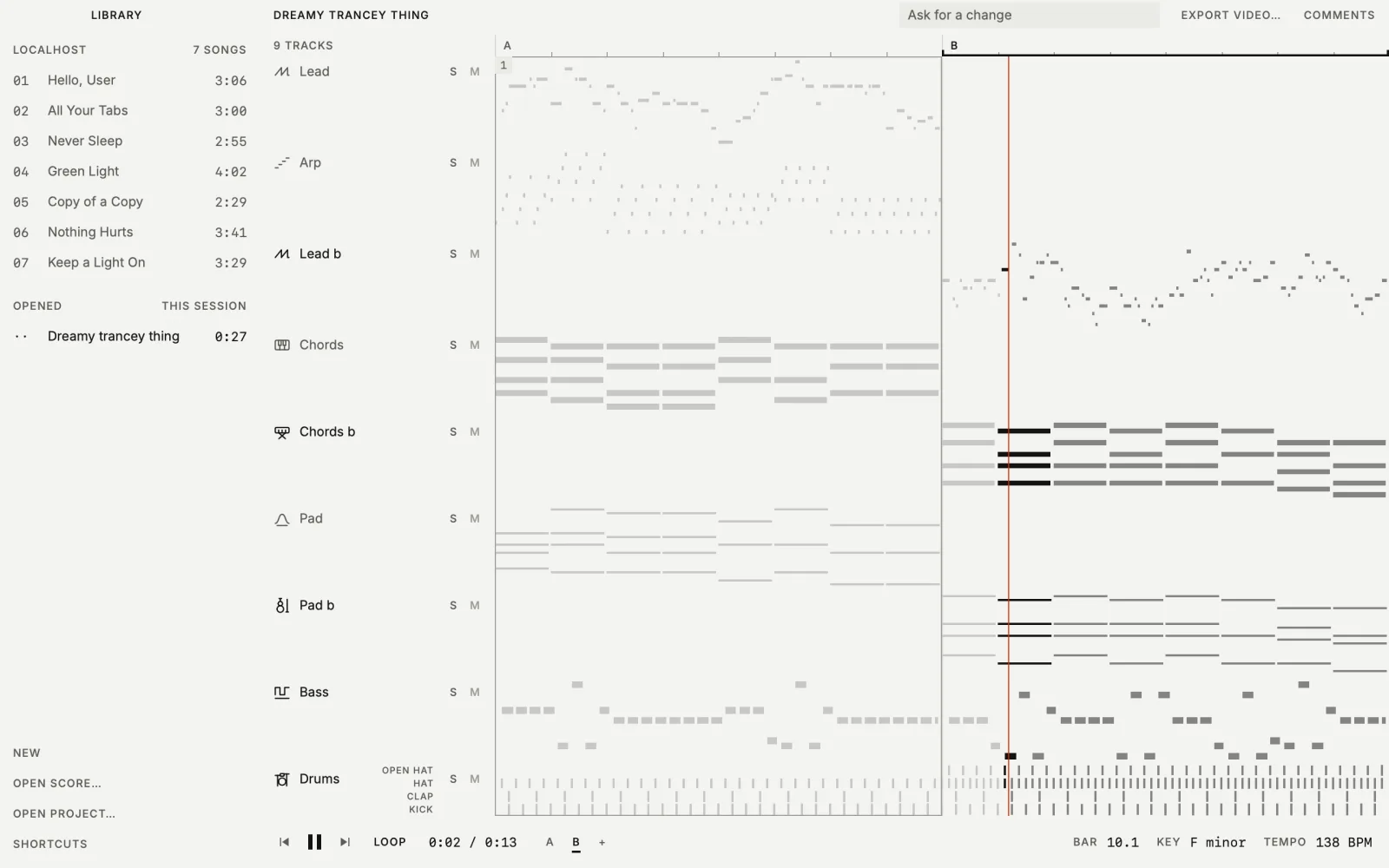
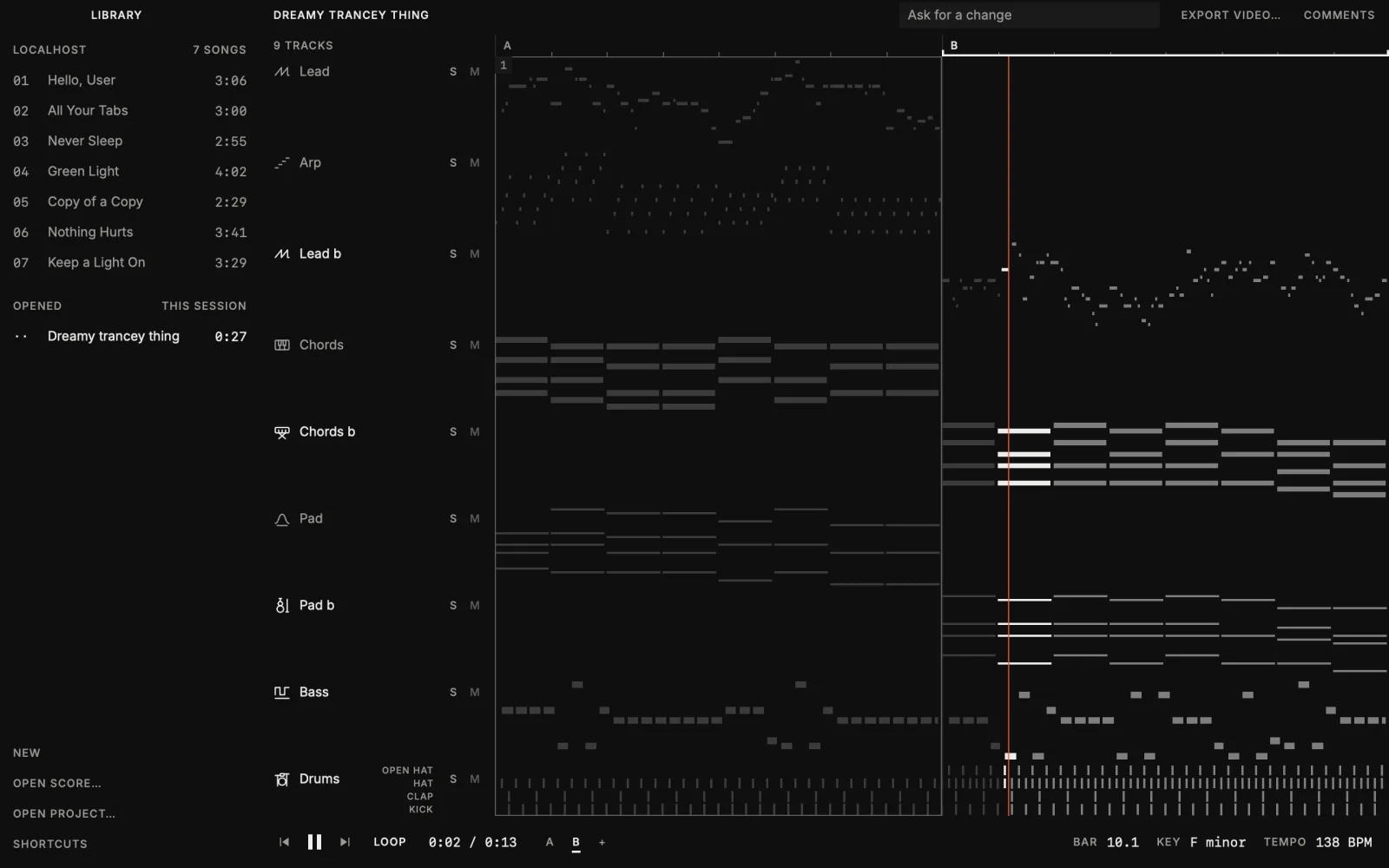
The + after the section names opens the prompt box for the next section. It is written after the last bar in the song’s tempo and key, and the loop moves to it as its first track arrives. Click A, then Shift-click B, and the loop runs through both.
Sounds from text, made on your Mac.
While a loop plays, a prompt that starts with a plus sign makes a sound and adds it as a track, and the loop takes it in without stopping. Words such as hit, crash or riser make a one-shot at the bar the playhead is in; anything else makes a loop cut to the song’s bars. ⌘Z takes it back. The command underneath is dawn sample generate.
dawn sample generate "glass bottle clink, close, dry"
dawn sample generate "dusty boom bap drum loop, swung hats" --bars 4 --add- The model
- Stable Audio 3 Small, Stability AI’s text-to-audio model, in two checkpoints: one for one-shots, foley and textures, one for instrumental loops and beds. It runs on Apple Silicon through Stability’s MLX runtime and makes up to 30 seconds of 44.1 kHz stereo. Nothing is sent anywhere, and no account is needed.
- What it costs
- The first sound downloads 1.7 GB, and the first loop 0.9 GB more. DAWN shows the size and the license before the download and checks every file against a pinned hash. After the first run, an 8 second clip took about half a second and about 3 GB of memory on a 36 GB Mac.
- Loops that fit the song
--barscuts a loop to that many bars at the song’s tempo without stretching it, and--addwrites a track that plays it. All 13 generated loops with drums or bass that we measured were within 0.1% of the tempo asked for. In one run, a live session had the new track rendered and ready to swap in 1.6 seconds after the command started.- A file, not a dependency
- The sound is a WAV in the project with a record beside it: prompt, seed, the model’s file hashes and the license. The same prompt, length and seed give the same file on the same machine. Rendering never calls the model, so the song renders the same on a machine without it.
- What it does not do
- It does not write notes and it does not sing. The loop’s notes come from the style generator and the voice is Kokoro; no other command uses the sound model.
- License
- The model is under the Stability AI Community License: free for research, personal use, and commercial use by people and organizations under US$1,000,000 in annual revenue. Commercial use asks you to register with Stability AI. Its text encoder is Google’s T5Gemma, under the Gemma Terms of Use. DAWN ships neither; they download to your machine and you are their licensee. Powered by Stability AI.
What runs on your Mac today.
- Loops from a prompt
dawn loopmatches the prompt’s words to a style and writes the loop with a style generator. No model is involved, and the same style, seed and length give the same loop.--model localasks a local language model for the style when the words name none.- A loop that follows a recording
dawn loop --referencelistens to an audio file or a YouTube link and takes three things from it: the tempo, the key from the stretch where it is clearest, and the length of the part that comes around. When the key or the length is not clear, it says why and the loop keeps its own. Nothing else crosses: the notes are the style’s, not the recording’s.- A sung phrase, and its chops
dawn loop --vocalhas one Kokoro voice sing a short phrase over the loop on your Mac, in the loop’s key, with the stressed syllables of the words on beats. A whisper model listens to the take and counts the words it hears. A prompt can ask for the phrase in its own words, and for a chopped vocal: the syllables of that take are then cut and played in the bars after the phrase.- Words
dawn song --model localhas a local language model draft the words. DAWN ships no model and uses one you already have.- Singing, and a listening check
- A Kokoro voice sings the words on your machine, and a whisper model listens to the result and counts the words it hears.
- Notes and stems from a recording
dawn media stemssplits a recording into six stems, anddawn media notesreads the drums and the pitched stems as notes.- Sounds from text
dawn sample generatemakes a sound from a text prompt with Stable Audio 3 Small. What it is and what it costs.
These are commands of the DAWN CLI. dawn loop and dawn sample generate first shipped in DAWN 0.53.0. Asking for the sung phrase in the prompt, its rhythm and its chops are in the source today and in no release yet. The agent that answers comments is separate: the default, Claude Code, is not a local model.
Also in the app.
- Open your own work
- Open a score file, or a project folder that the app renders with the installed
dawnCLI. - Export video
- Save the open song as an MP4 of the piano roll with its audio. Export needs ffmpeg installed.
- LOCALHOST included
- The album is in the library. Each song downloads the first time you open it and is a project you can comment on. Listen to it here.
Getting it.
The app is a download for macOS 13 or newer on a Mac with Apple Silicon, signed and notarized, and it includes the dawn command. It updates itself; Check for Updates… in the DAWN menu checks now. First run and updating.
Ask for what you cannot do by hand.
Drag a box over notes and leave a comment, or type into the box in the title row. Send writes the open comments to a request file in the project and runs an agent command there. As the agent saves, the loop picks the change up, and the comments are marked addressed.
The default command runs Claude Code, which you install and log in to yourself, limited to editing files and running
dawn. You can set another command.